
This Christmas release is the Android update we’ve been building toward for a long time: a major “catch-up to iOS” milestone, plus brand-new features that make collecting faster, cleaner, and more fun, especially if you scan, search, and organize a lot of items.
This is the final update to the Android app before our huge rewrite and UI upgrade, which is coming out in Spring 2026.
If you’ve ever thought “I love iCollect Everything, but I want the Android app to feel as polished and powerful as iOS,” this is the update you’ve been waiting for.
⸻
The headline: Android now matches iOS in the places that matter most
A big theme of this release is consistency. Layouts, menus, section behavior, and collection management now line up with what iOS users already enjoy, so switching devices (or helping friends and family) feels familiar.
Here’s what’s new.
⸻
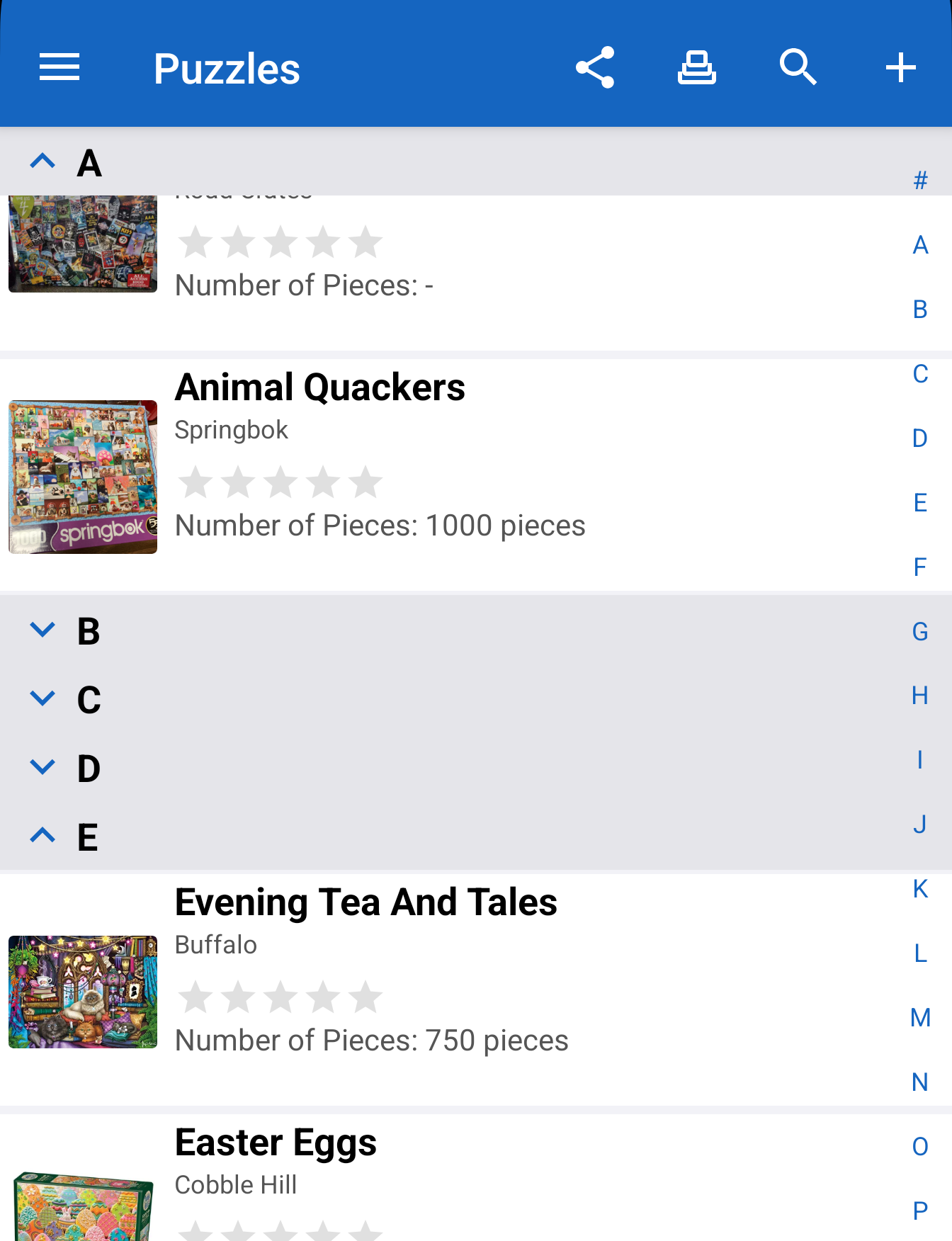
A better way to browse: Collapsible Sections across the app
Android now supports Collapsible Sections in the places you use them the most:
• Main
• Wishlist
• Database Search
This makes large collections feel manageable again, especially when you have long lists of categories, fields, or grouped content.
And because power users asked for speed, we also added:
• Expand All and Collapse All options in the Layout menu (under the Sections header)
⸻
Performance and stability: tons of crash fixes and speed improvements
This is one of the biggest under-the-hood releases we’ve shipped.
• Many, many crash fixes
• Broad performance improvements
• Smoother scrolling and faster transitions in heavy collections
• Improved network connection detection for more reliable syncing and browsing
⸻
Navigation upgrades: an improved right-side Index Bar
The right-side Index Bar has been updated and improved to make jumping through long lists faster and more accurate. If you rely on quick navigation, this one’s for you.
⸻
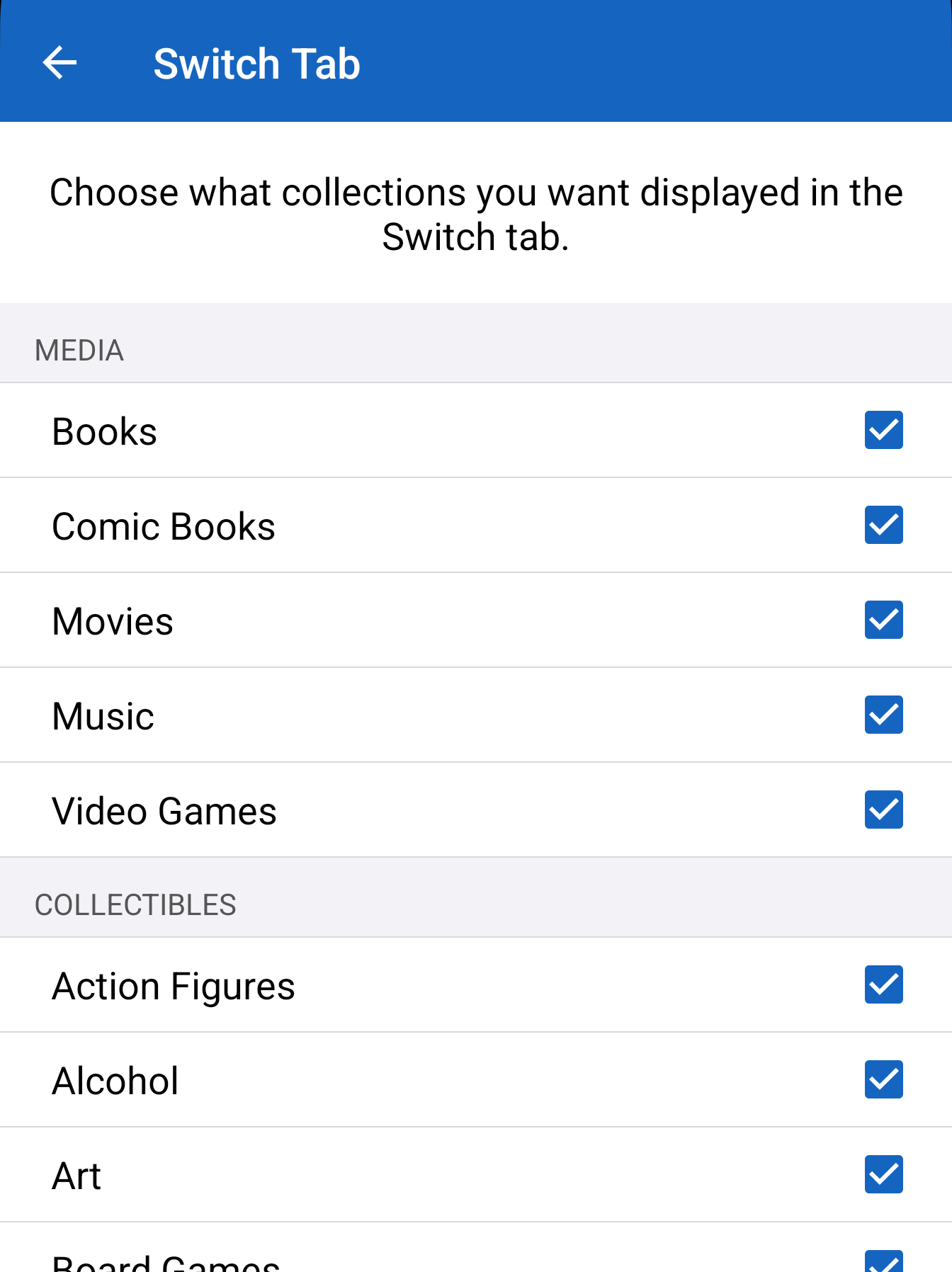
Sharing and visibility: cleaner control over your collections
This release adds more control, with fewer “gotchas”:
• Fix for sharing collections with spaces in the title
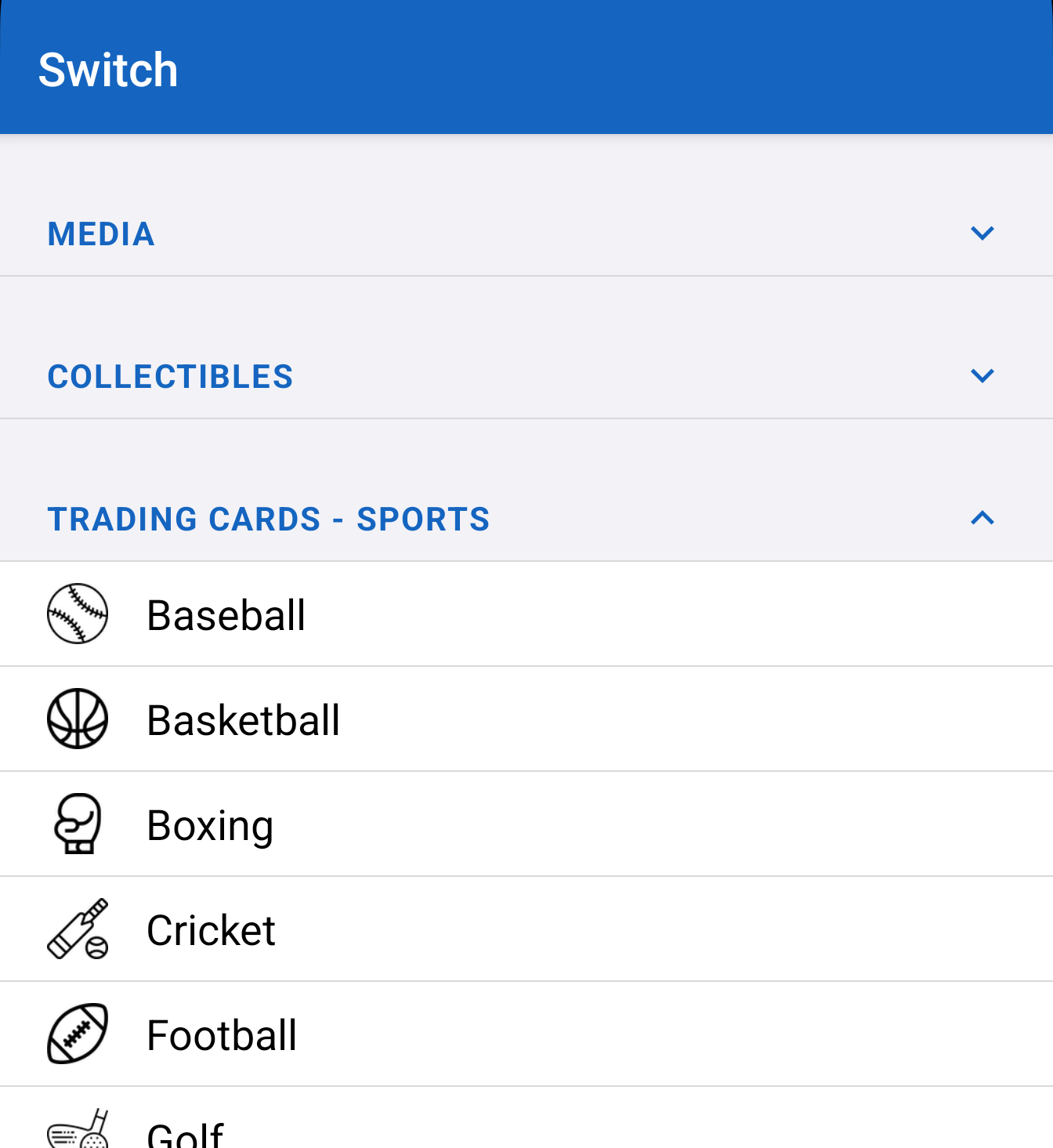
• Show and Hide Collections on the Switch tab and in Top Left Menu > Settings
• Group collections by type in Switch Tab Settings
Also included: a lot of polish details that reduce confusion and match iOS behavior.
⸻
Customization: hide noise, keep what matters
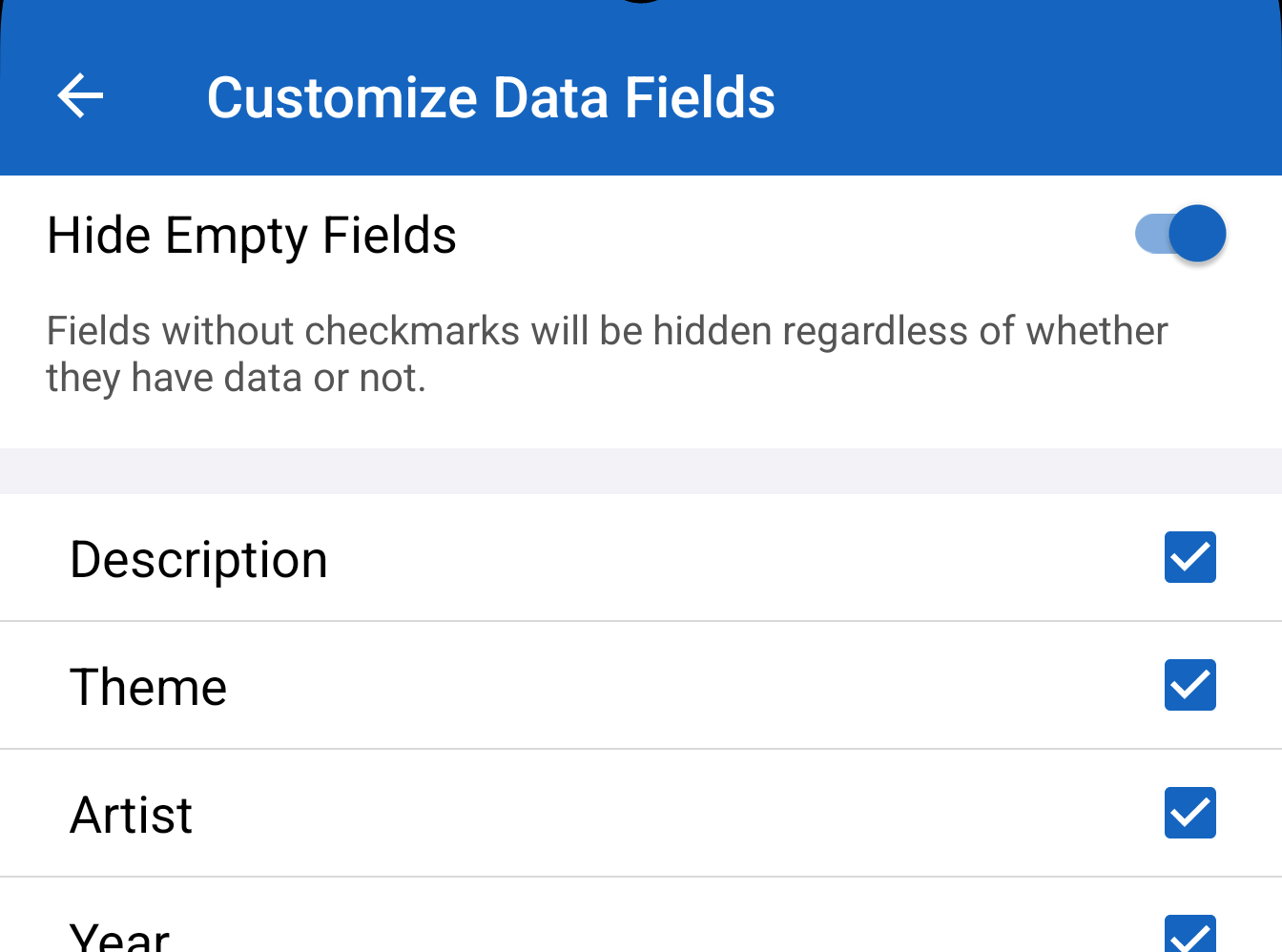
Collectors don’t all track the same details. This update improves how you tailor your item screens:
• Hide Empty Fields setting added in Customize Data Fields
• Show and Hide Fields button added directly to the Info view
So if you want a clean, minimal view, you can do that. If you want every possible field visible, you can do that too.
⸻
Scanning improvements: more control, better tools
Scanning is core to the iCollect workflow, and Android got major upgrades here:
• Toggle to enable or disable barcode scan beep
• Positioned after Section Counts to match iOS
• Update top left menu drawer order to match iOS
• Now uses Android’s built-in barcode scanner code for all collectible types except comics, magazines, and books
And we went beyond barcodes:
• Added ISBN number reading OCR for books
• Added package OCR reading for Toy Cars
That means fewer manual entries and faster importing, especially for items where packaging text matters.
⸻
Collection tools: move, duplicate, manage faster
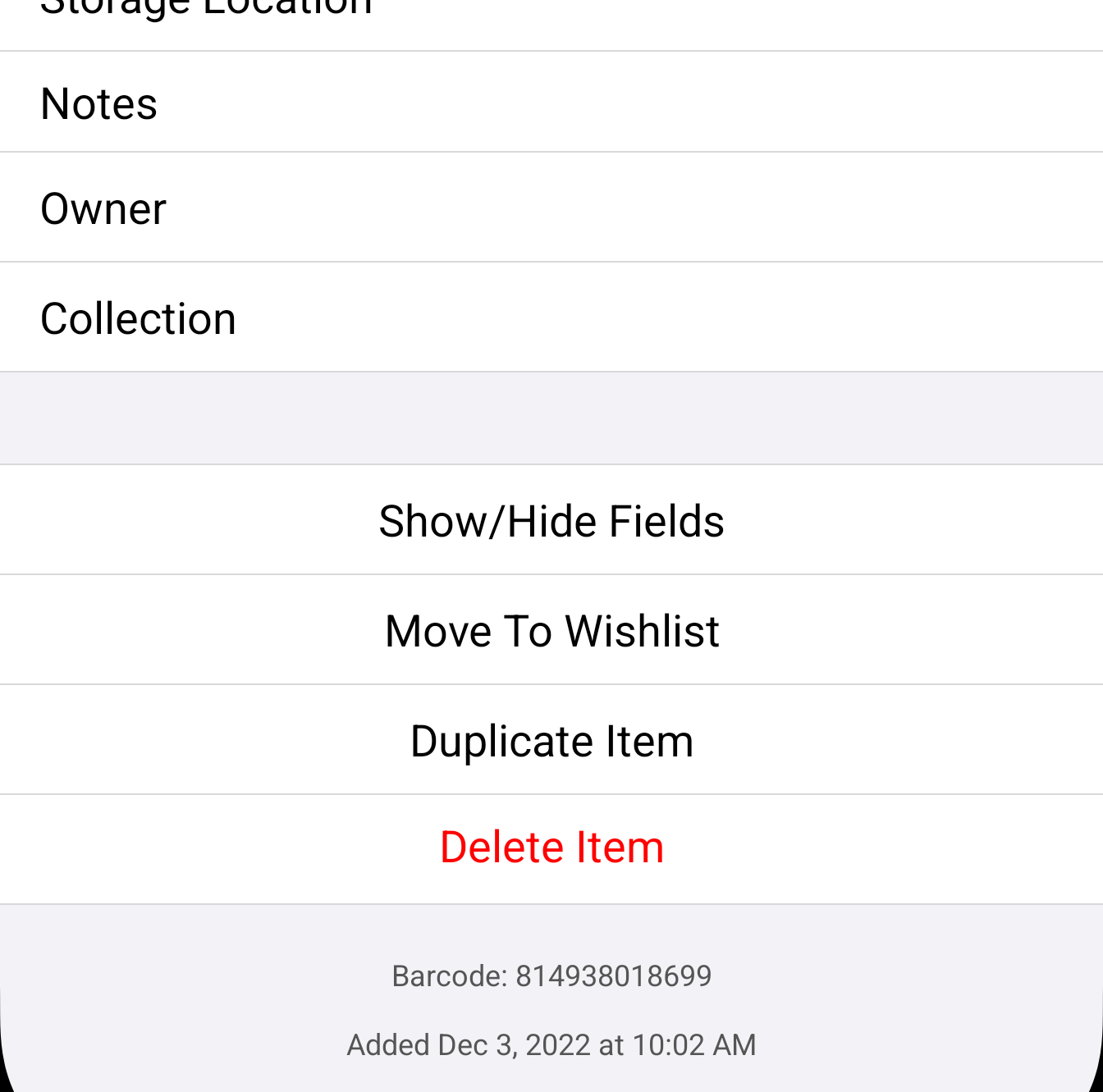
Two long-requested item actions are now available on Android:
• Added Move To Wishlist button for collection items (previously only wishlist items had Move To Owned)
• Added Duplicate Item button to the Info view (under the Move To button)
This makes it much easier to handle duplicates, variations, and similar items without re-typing fields.
⸻
Layout controls: grid finally gets the flexibility it deserves
Android layout options now mirror iOS naming and behavior, and we added powerful grid controls:
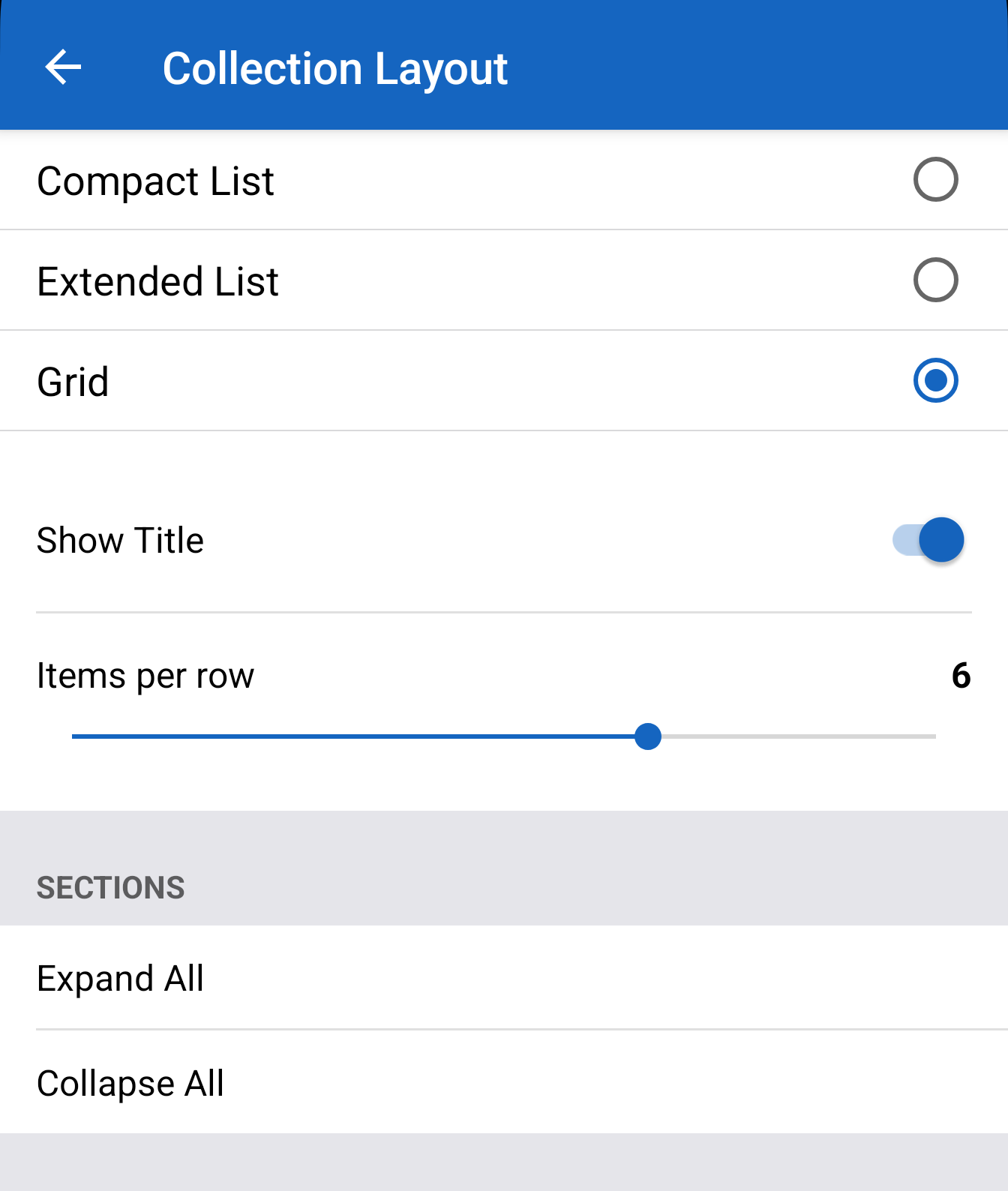
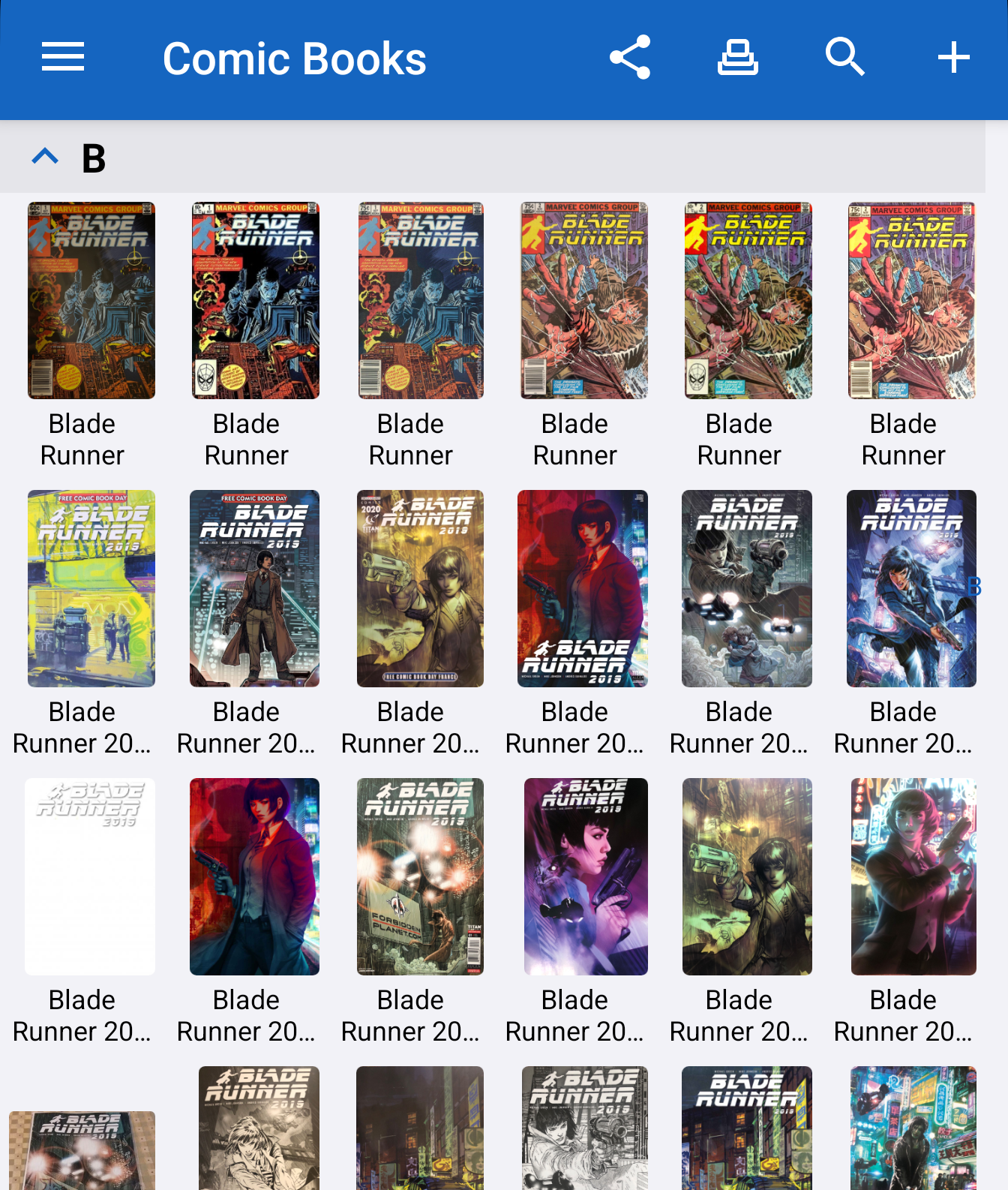
• Add Show Title toggle to show or hide titles in grid cells
• Add Items per row slider (range 2 to 8) to control grid columns
• Grid cells now scale dynamically based on column count
• Title text wraps to 2 lines like iOS
We also standardized layout naming and ordering:
• Rename List to Compact List to match iOS naming
• Reorder layout options: Compact List, Extended List, Grid
⸻
Filtering that makes sense: only show values you actually have
Filtering is now smarter and less cluttered:
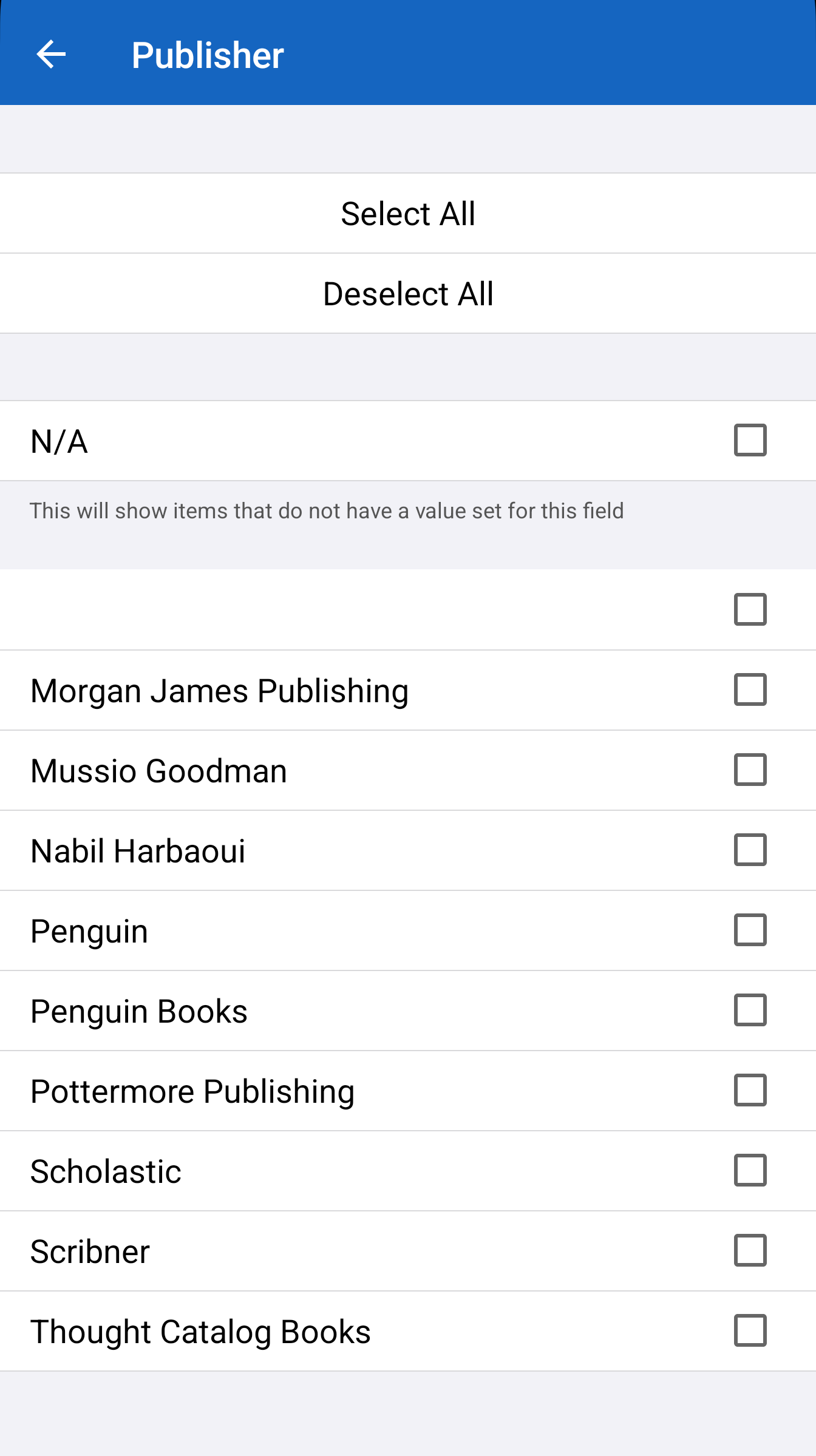
• Only show filter values that exist in the user’s collection items (like iOS)
So instead of wading through empty or irrelevant filter values, you get a list that reflects your real data.
⸻
Safer cleanup: deleting collections and wishlists now respects reality
To prevent accidental “oops” moments:
• Disable Delete Collection button when collection is empty (0 items)
• Disable Delete Wishlist button when wishlist is empty (0 items)
It’s a small guardrail that keeps the UI clear and reduces confusion.
⸻
Dark Mode: fixed a bunch of issues
Dark Mode got a serious cleanup pass:
• Fixed a number of Dark Mode issues across menus, screens, and layouts
If you live in Dark Mode, this update should feel noticeably more consistent.
⸻
Big new features: Trading Cards and Stamps are here, with image recognition
This is where the Christmas release becomes something more than parity. Android isn’t just catching up, Android is expanding.
Trading Cards
• Added Trading Cards with image recognition
• Added new DB search UI flows for Trading Cards
Stamps
• Added Stamps image recognition
• Added Stamps auto-cropping
• Added new DB search UI flows for Stamps
These upgrades are designed to make “add an item” feel instant: recognize, crop (when needed), and guide you through a search flow that matches the category.
⸻
Database Search upgrade: better Comic Book issue handling
When searching the database for Comic Books, Android now offers the same flexible issue workflows collectors asked for:
• Single Issue: enter a specific issue number
• Issue Range: enter start and end issue numbers
• No Issue Number: add item without issue number
This is especially useful for sets, variants, special editions, and edge cases where numbering is inconsistent or not relevant.
⸻
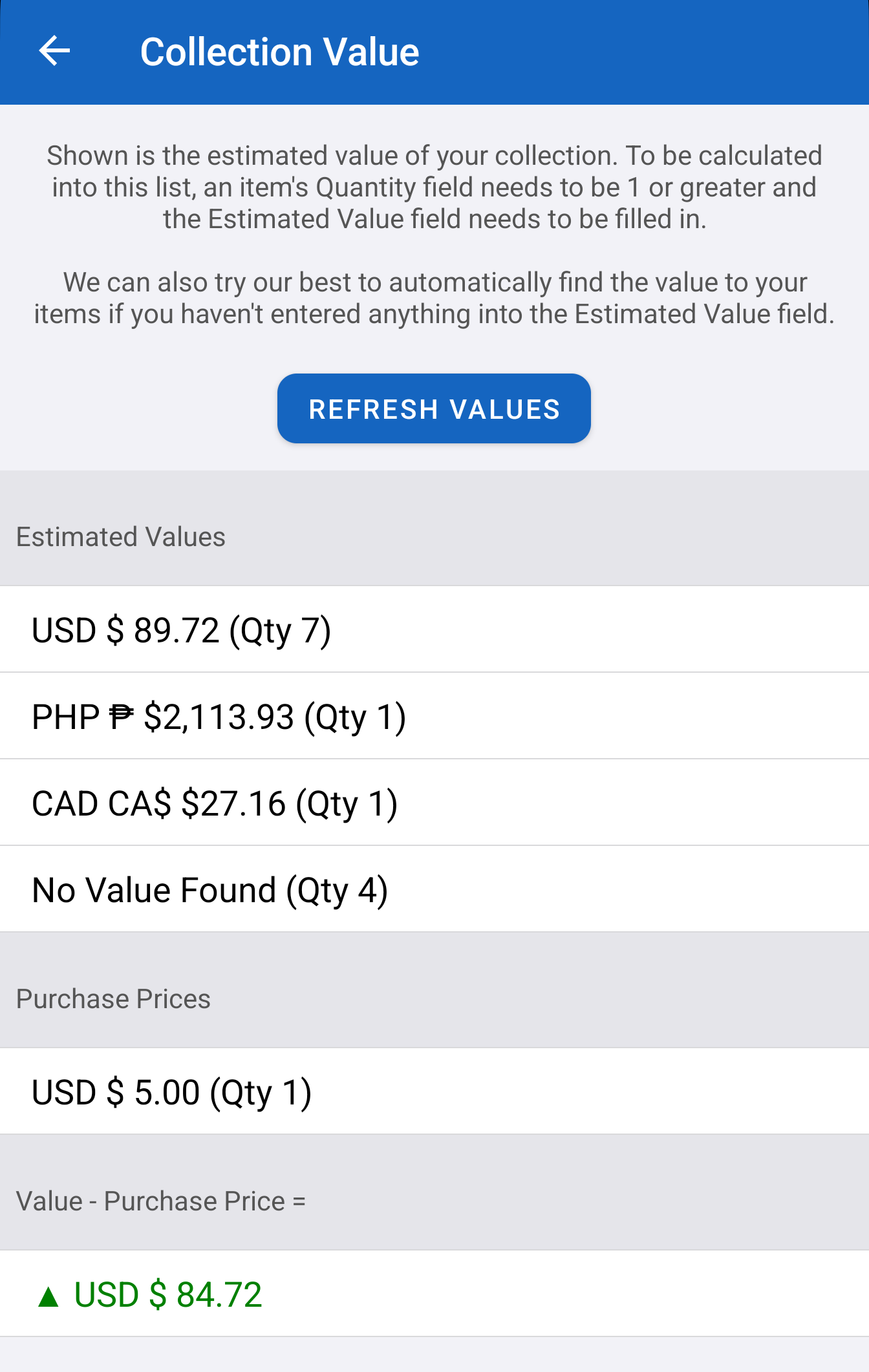
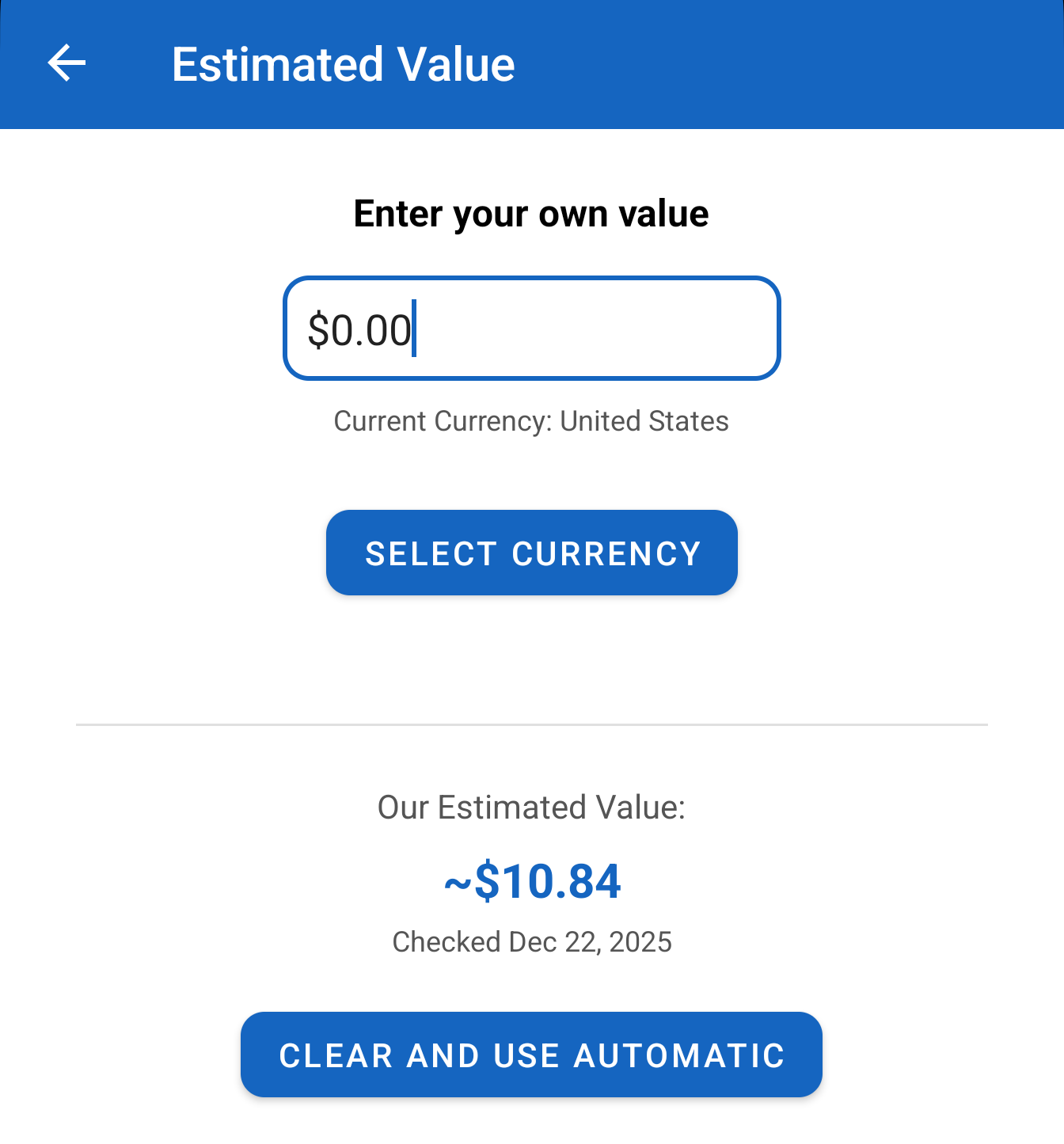
Collection Value is here: automatic estimated value scraping
This release introduces Collection Value, including:
• Automatic estimated value scraping
• New value-based insights across your collection
If you’ve been building a collection for years and wondered “What is all of this worth today?” this feature is the start of that answer.
⸻
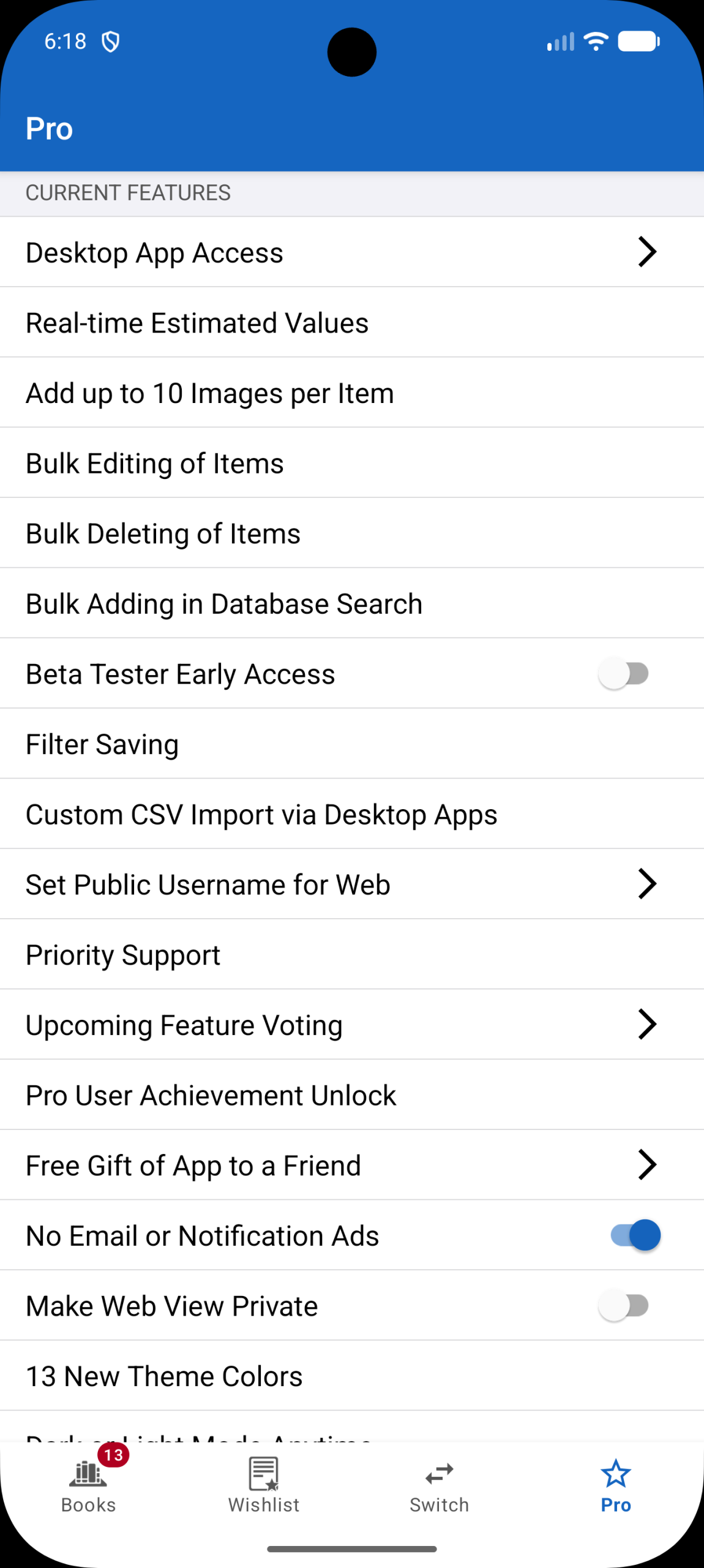
New Pro features added in this release
For collectors who want maximum power and customization, Pro gets a major expansion:
• Filter Saving
• 10 Images Per Item
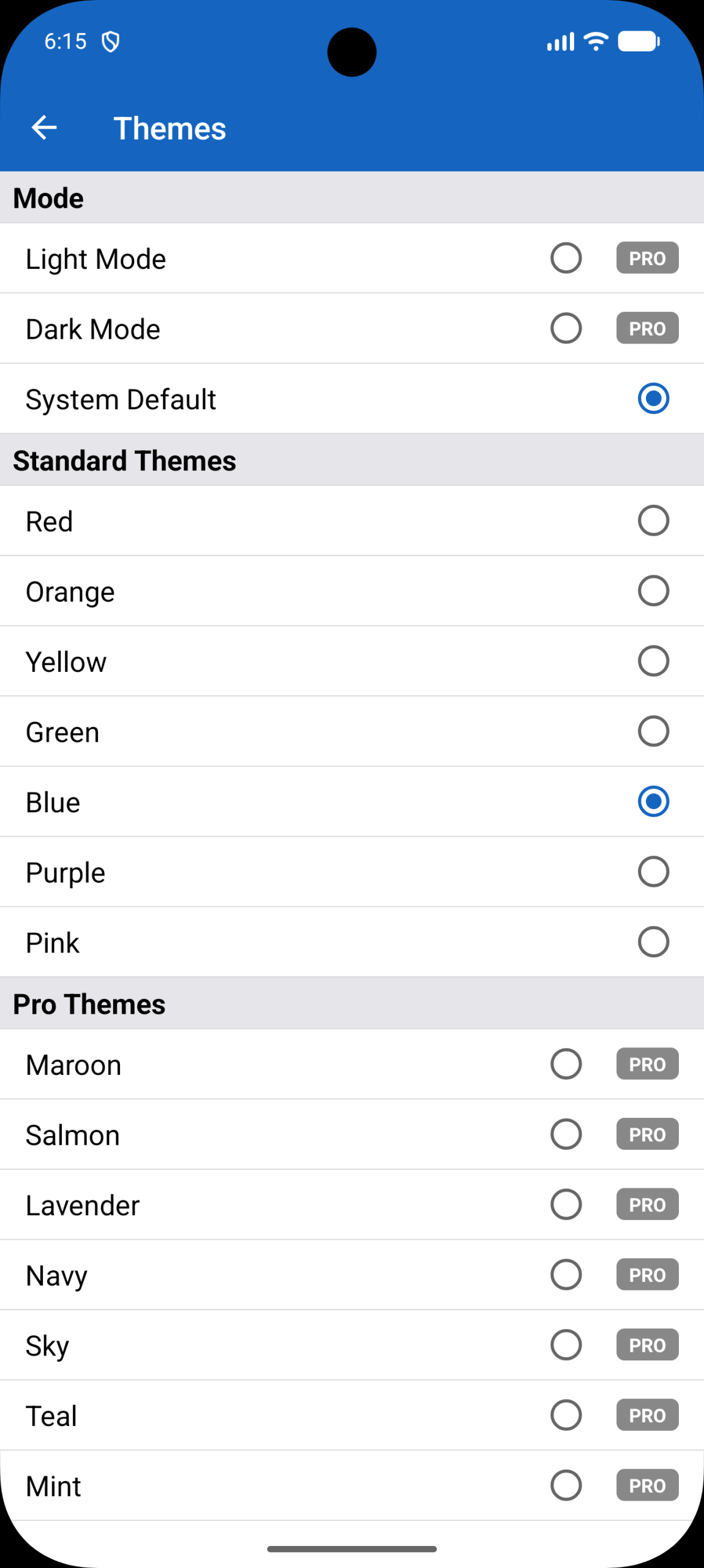
• 13 New Theme Colors
• Dark Mode and Light Mode Anytime
• Purchase Price Titles
• Collection Valuation Difference
• Set Public Username for Web
• CSV Import via Desktop Apps
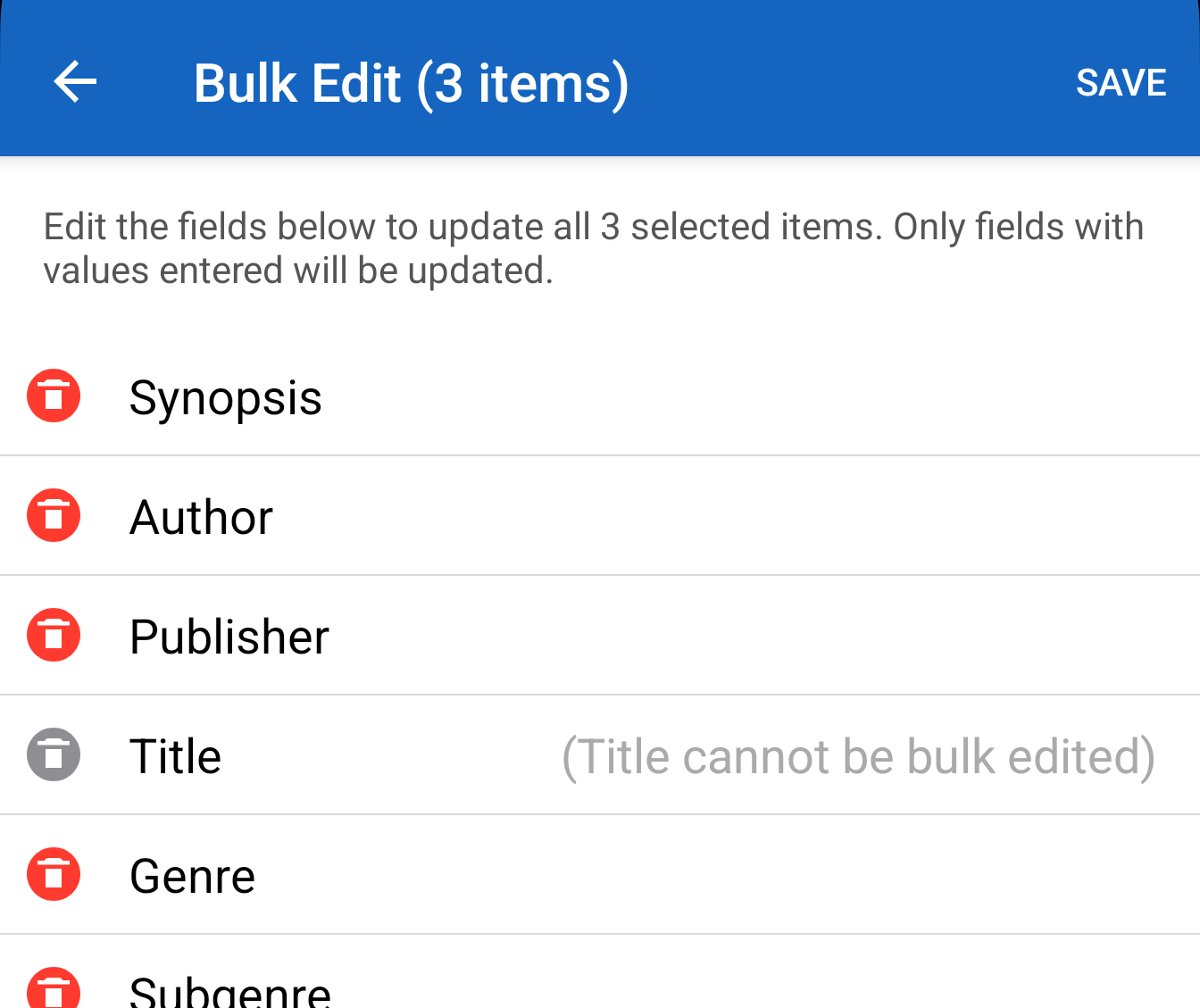
• Bulk Editing of Items
• Bulk Deleting of Items
• Bulk Adding in Database Search
• Upcoming Feature Voting
• Free Gift of App to a Friend
• Unlimited Custom Collections
• Rename Built-In Types on Switch Tab
• Unlimited Cloud Storage
If you manage big collections (or multiple collection types), these are the features that turn “a great app” into “my entire collecting system.”
⸻
Wrapping up: what this update means
This Christmas update is about three things:
1. Android feels like iOS now in core UI and daily workflows
2. It’s faster and more stable across the board
3. It adds major new capabilities, especially Trading Cards and Stamps with image recognition, plus Collection Value
If you haven’t opened the app in a while, now’s a perfect time to jump back in. Your collection is about to feel a lot more effortless to manage.
Note: AI-related features are coming to Android but we need to complete final evaluations on iOS first before rolling them out.
