

Automatically estimates the current value of your movies!
Search by title, actor, and more. Full movie details.
Movies and TV show info from most countries.
Includes 4K, Blu-ray, DVD, VHS, CED, digital, more.
iCollect Movies for mobile
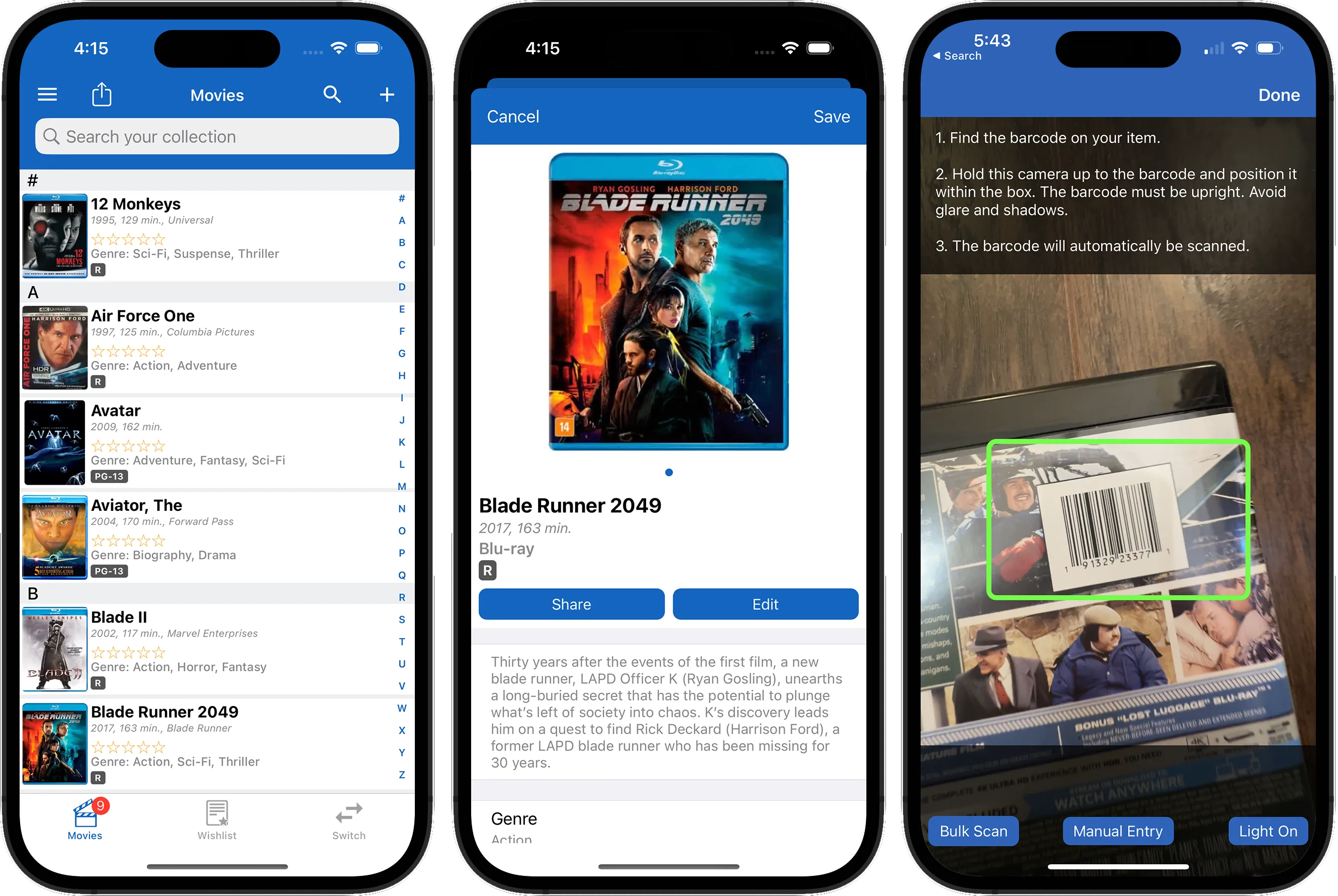

Free to download for iOS and Android
iCollect Everything for desktop
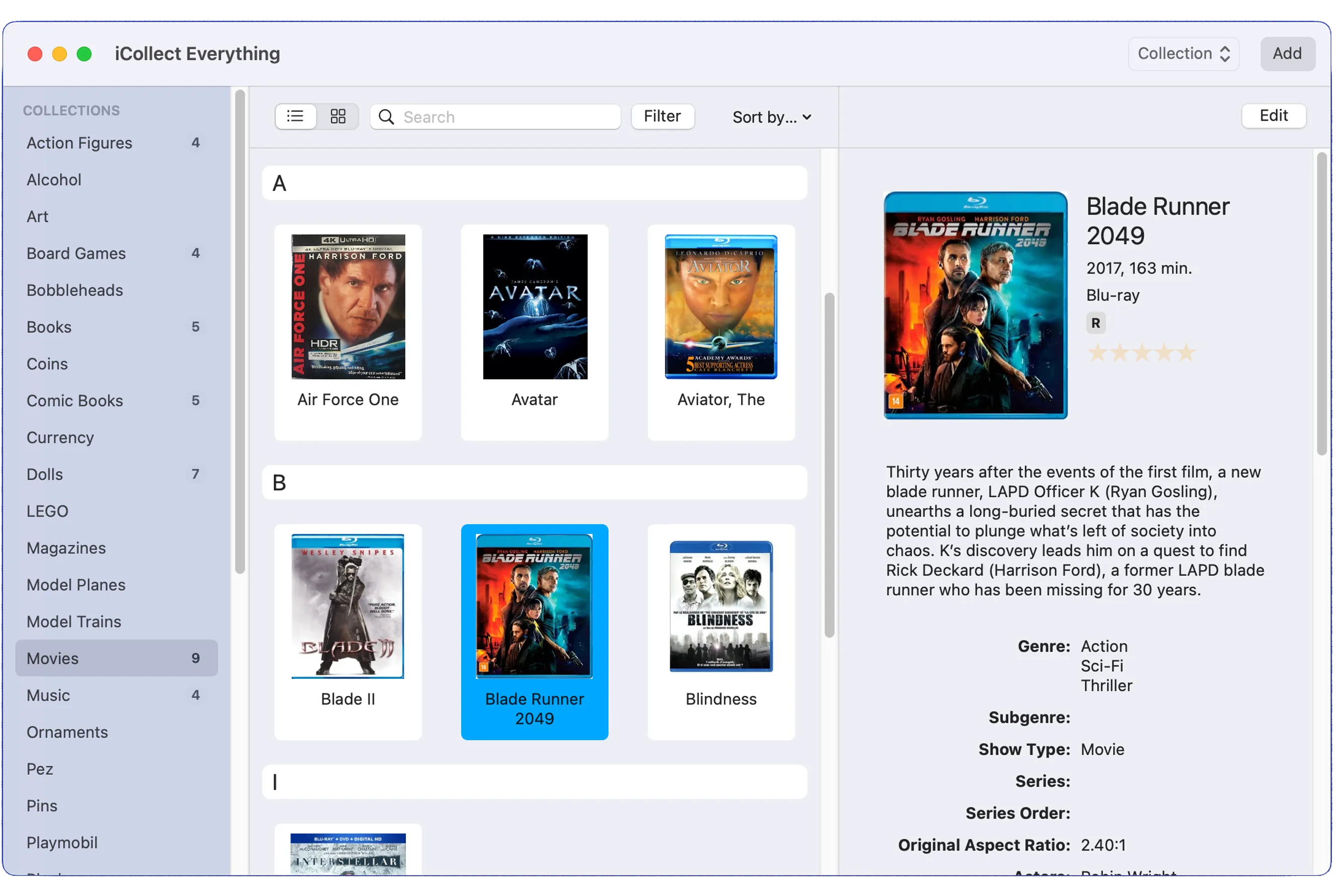

For macOS and Windows
Sync your collection between mobile, desktop, and web!
Both iCollect Movies for mobile (iOS/Android) and iCollect Everything for desktop (Mac/Windows) can be used on their own, or used to sync your collection between all your devices. They are best used together, along with our built-in web sharing feature, to allow access to your collection from any place at any time.
Use iCollect Movies on the go, whether with an iPhone, iPad, or Android. Then use iCollect Everything when you get home on a large desktop screen with a keyboard for quicker input and modifications of your collection data. And then share your collection and wishlist with friends and family using our web sharing option.
Latest news and releases for Movies
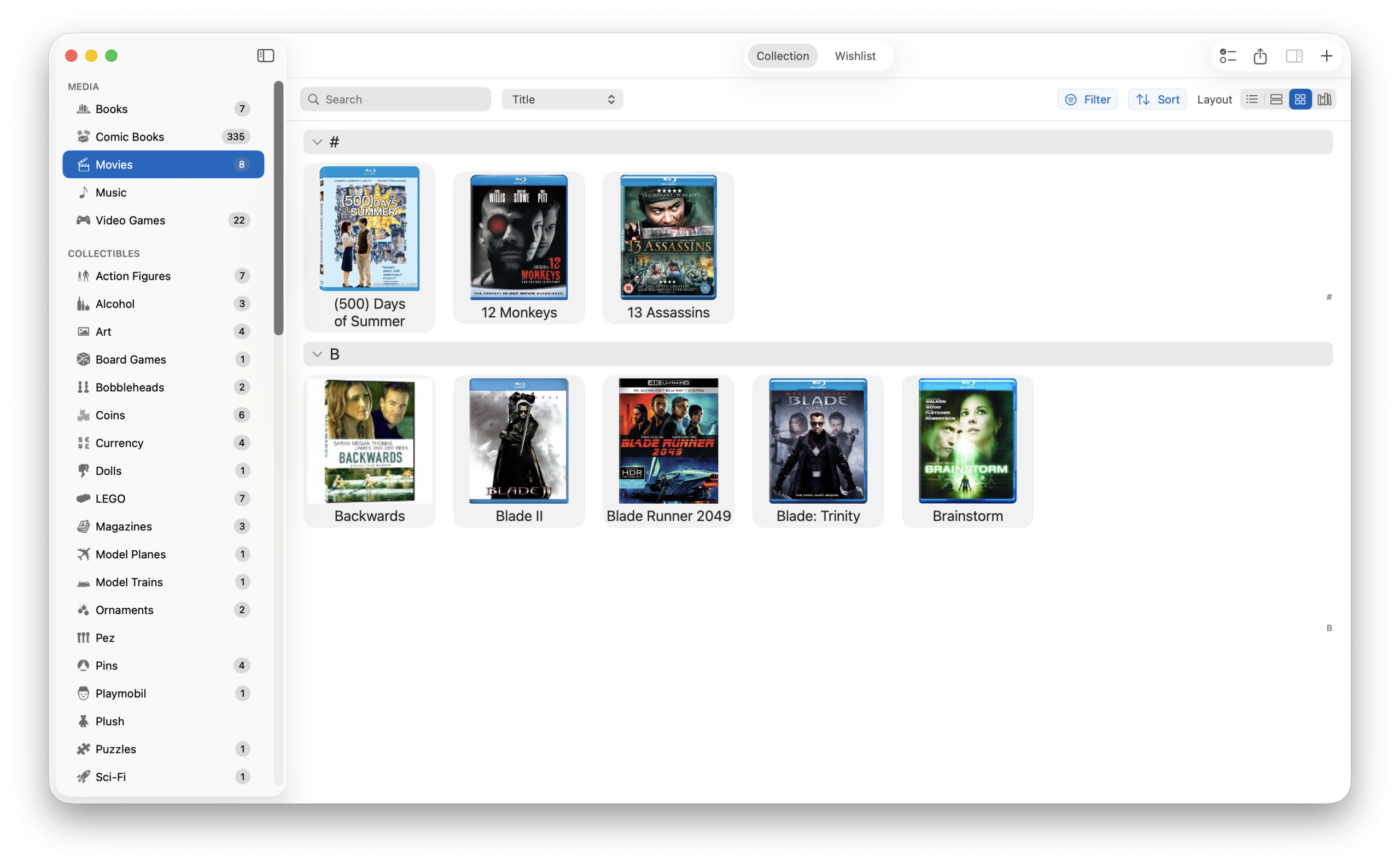
How to Catalog Your Movie Collection: The Complete Guide
It’s a Christmas miracle! Android users get a HUGE update to match iOS features.
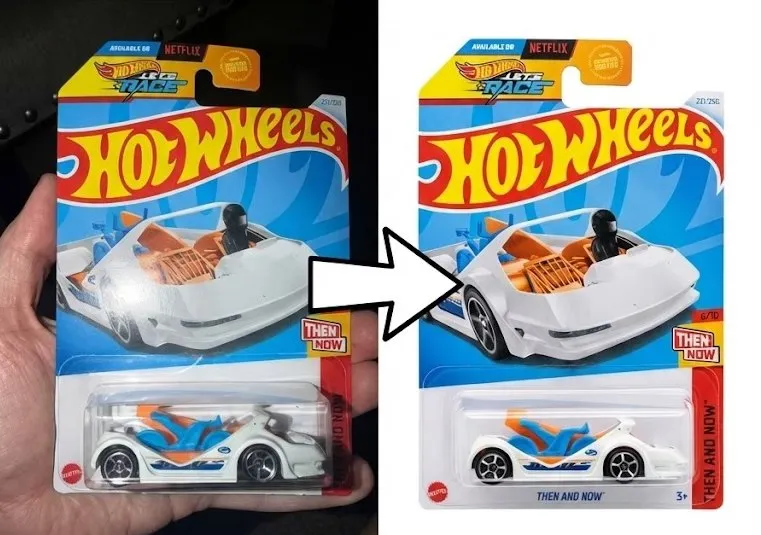
Introducing AI Image Clean Up — Turn Your Pictures into Stock Photo Quality Images
Tons of new features launched for our Pro subscribers in version 9.3
Frequently Asked Questions
What’s the best app to catalog my DVD and Blu-ray collection?
iCollect Movies lets you catalog DVDs, Blu-rays, 4K UHDs, and VHS tapes by scanning barcodes with your phone camera. The app auto-fills the title, year, director, actors, rating, runtime, and cover art. It works on iPhone, iPad, Android, Mac, Windows, and the web — and everything syncs between devices. There’s a free tier to get started, no credit card needed.
Can I scan movie barcodes with my phone?
Yes. Open the app, tap the scan button, and point your camera at the barcode on any DVD, Blu-ray, or 4K case. The app recognizes the barcode and pulls the full movie details from our database in about a second. For discs without barcodes (imports, older titles, or digital copies), you can search by title instead.
Can I track which movies I’ve watched?
Yes — you can mark movies as watched using the “Last Watched” date field, and separate your watched vs. unwatched films using filters or the wishlist feature. A lot of collectors use the wishlist tab for movies they want to watch and the main collection for movies they own, then move items between the two as they watch them.
Is there a free movie collection app?
iCollect Movies is free to download on iPhone, iPad, and Android. The free tier lets you start scanning and cataloging right away. A Pro subscription unlocks unlimited items, cloud sync across devices, and estimated market values — but you can try everything without paying first.
How do I know what my movie collection is worth?
iCollect Movies includes automatic estimated values that update over time. You can see the value of each individual title or your total collection value at a glance. Out-of-print Blu-rays, limited steelbooks, and certain box sets can be worth surprisingly more than you paid. The values are market estimates — useful for insurance purposes or getting a general sense of what you’re sitting on.
Reviews from customers
"" - 5 stars from ()
"" - 5 stars from ()
"" - 5 stars from ()
"" - 5 stars from ()
"" - 5 stars from ()
"" - 5 stars from ()
"" - 5 stars from ()
"" - 5 stars from ()
"" - 5 stars from ()
"" - 5 stars from ()
"" - 5 stars from ()
Guides for Collectors