

On your phone, on your computer, on the web.
Search by edition size, release date, and more.
Full pictures and details, including limited edition size.
Events and places like the Olympics, Walt Disney World, etc.
iCollect Pins for mobile
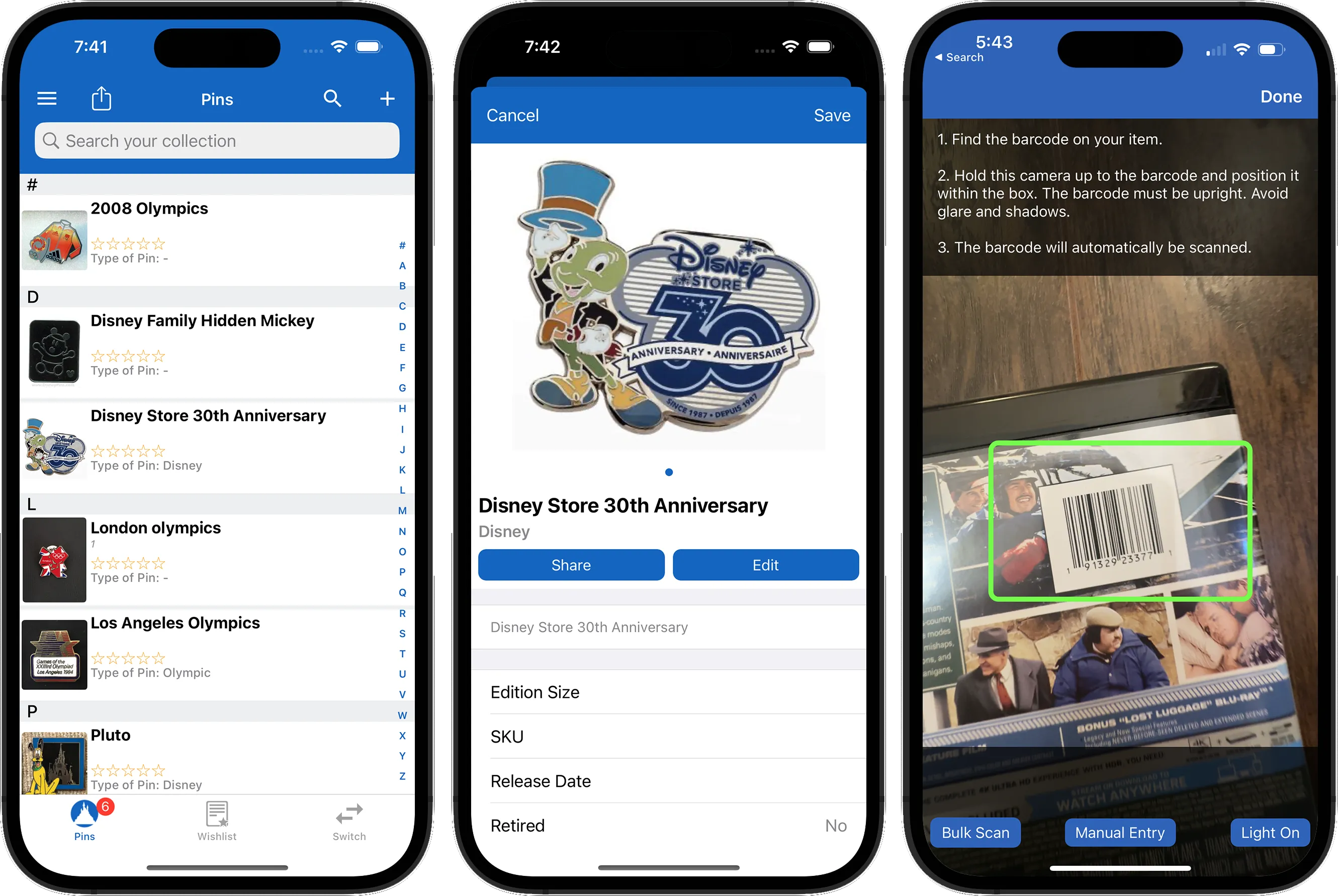


Free to download for iOS and Android
iCollect Everything for desktop
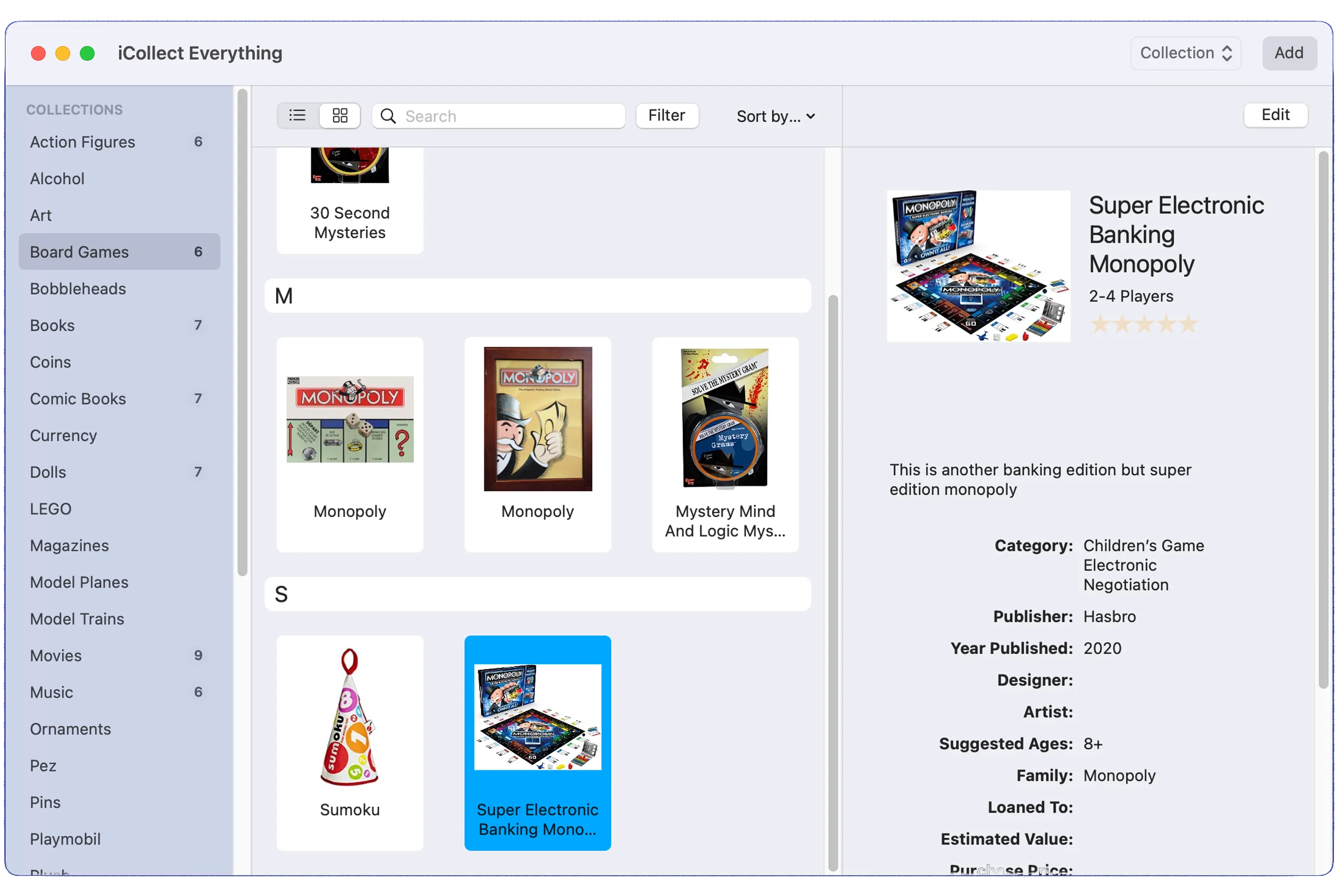


For macOS and Windows
Sync your collection between mobile, desktop, and web!
Both iCollect Everything for mobile (iOS/Android) and iCollect Everything for desktop (Mac/Windows) can be used on their own, or used to sync your collection between all your devices. They are best used together, along with our built-in web sharing feature, to allow access to your pin collection from any place at any time.
Use iCollect Everything on the go, whether with an iPhone, iPad, or Android. Then use iCollect Everything when you get home on a large desktop screen with a keyboard for quicker input and modifications of your pin data. And then share your pin and wishlist with friends and family using our web sharing option.
Latest news and releases for iCollect Everything

Disney Pin Collection Guide: How to Track, Trade, and Organize Your Pins
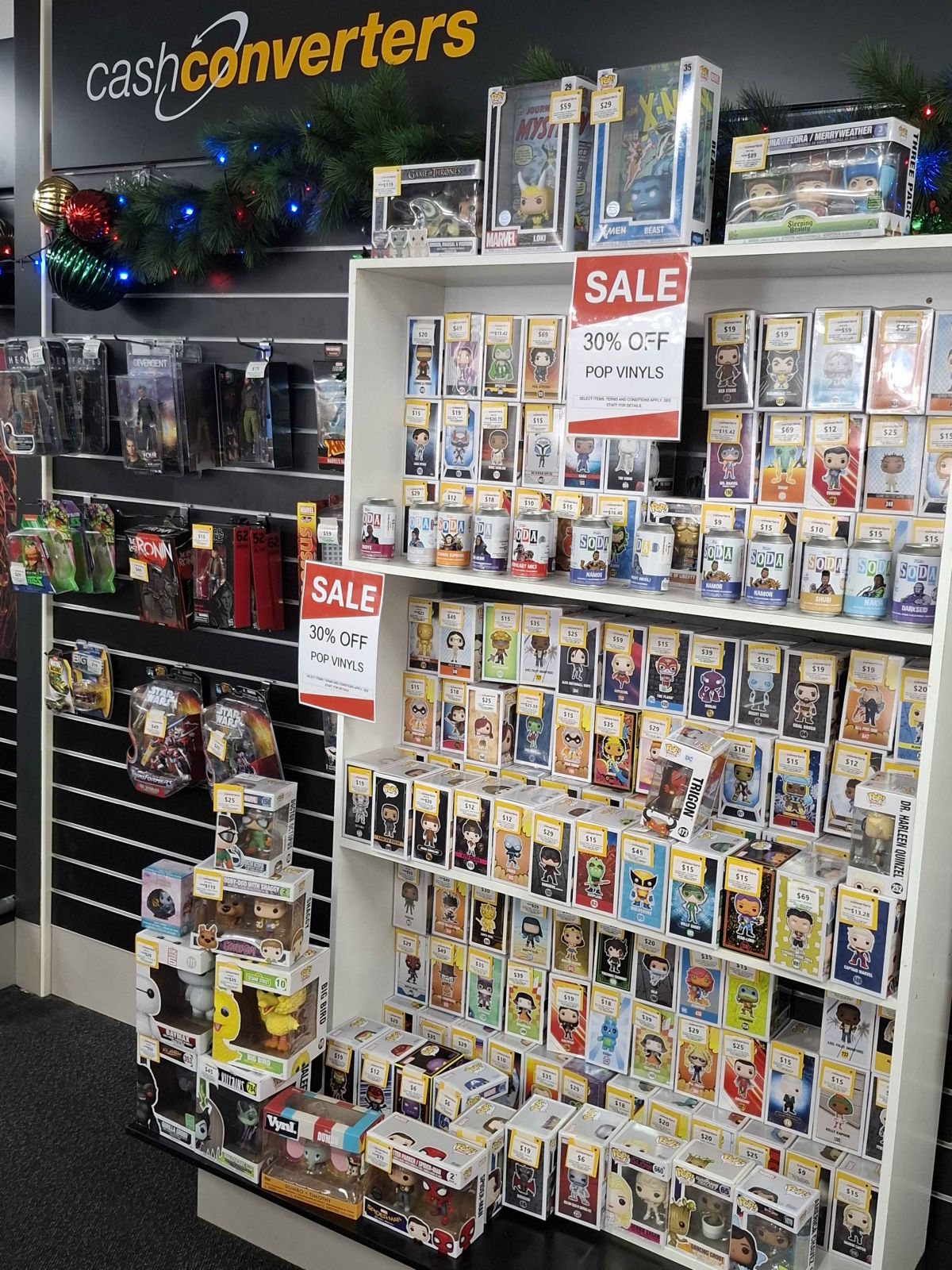
Most Valuable Funko Pops in 2026 — Rare Figures Worth Thousands
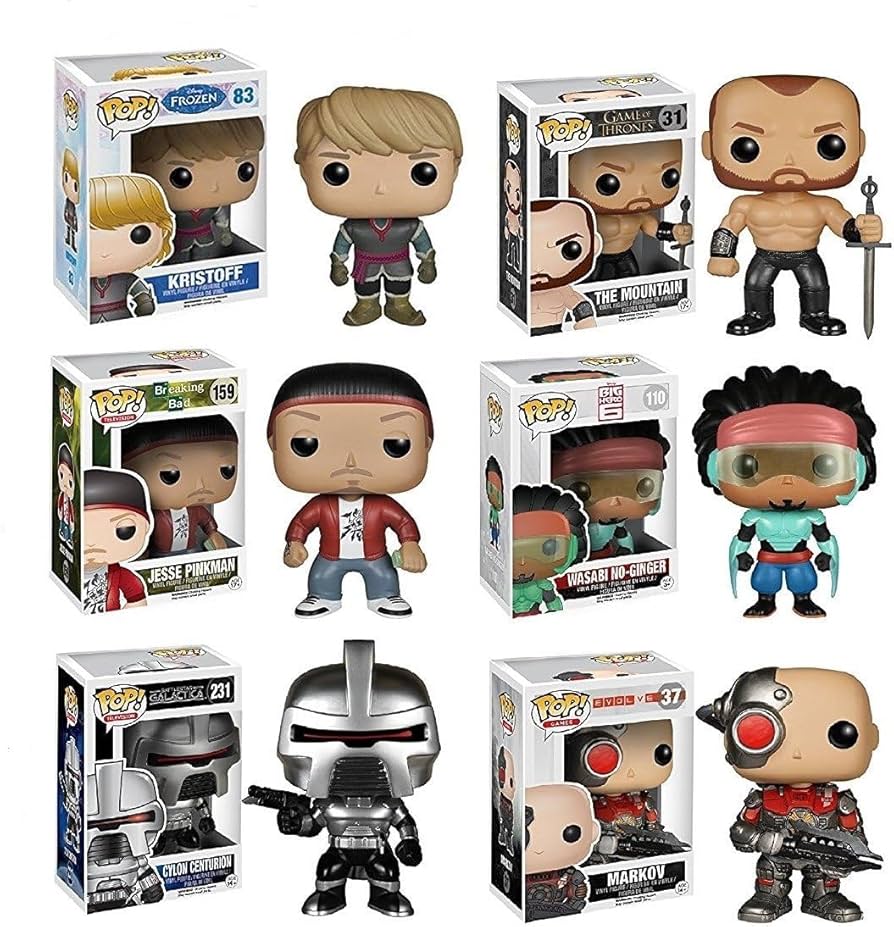
Best Funko Pop Value Scanner & Collection Tracker App (2026)
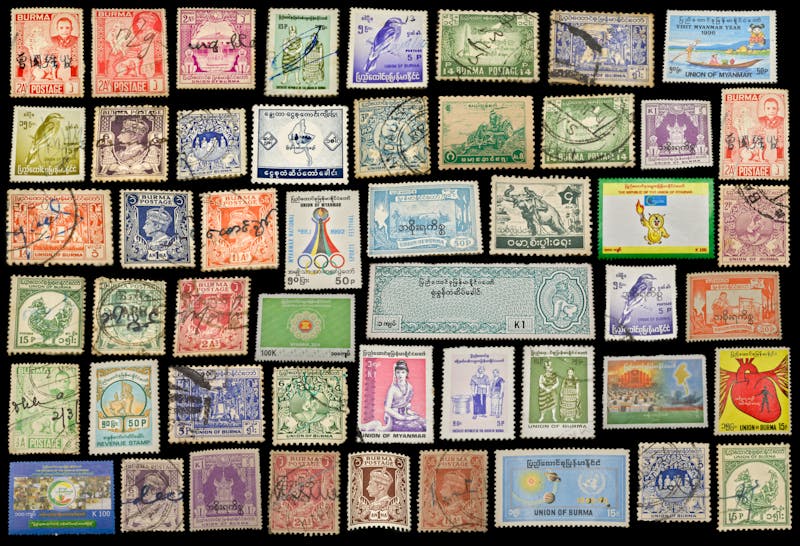
Best Stamp Collecting App in 2026 — Catalog, Identify & Value Your Stamps
Frequently Asked Questions
What’s the best Disney pin collection app?
iCollect Everything is the best app for tracking Disney pins and trading pins. Catalog your pins with photos, organize by series and theme, track estimated values, and manage your trading wishlist. Works on iPhone, Android, Mac, and Windows.
Can I scan pin barcodes?
Pins with packaging that has a barcode can be scanned. For loose pins or pins without packaging, search the database by name or use AI Auto-Fill — photograph the pin and the app identifies it.
Does it help with pin trading?
Yes. Use the wishlist feature to track pins you’re looking for, and your main collection to show what you have available for trade. Share your collection via a web link so other traders can browse what you have.
Can I track limited edition and hidden Mickey pins?
Yes. The database includes standard pins, limited edition pins, hidden Mickey pins, and rack pins. Add custom details and photos for any pin in your collection.
Is there a free pin collecting app?
iCollect Everything has a free tier on all platforms. Start cataloging your pins without a credit card. Pro unlocks unlimited pins, cloud sync, and collection sharing.
Reviews from customers
Was great until they upcharged
"Pending an email to see if the subscription revoked the “lifetime” access I previously paid." - 5 stars from diodela (Apr 08, 2026)
Fleeced
"I never write app reviews but the blatant excessive / aggressive price hike announcements for a product that hasn’t had any major updates in years is a huge disappointment. This app WAS great but it’s lost its way and isn’t taking care of its legacy users." - 5 stars from Werkahaulic (Apr 05, 2026)
Unusable
"Not sure what happened to this app. I used it years ago with decent success for a puzzle collection. I've now tried to use it again for a massive game collection only to find it completely unusable. The app is almost completely unresponsive. Tapping app buttons, even multiple times, often does nothing at all. *If* I can get a dialog open (to add a new game, for example) it always results in an error message. Always. Not sure what went wrong but this app became an absolute loser." - 5 stars from I like ducks. (Apr 03, 2026)
No realistic values
"Great app to catalog your collection. But the values of your collection are WAY off market value. Don’t trust this app for prices!!" - 5 stars from ezomb13 (Apr 03, 2026)
Been a big fan but new update…?
"Have the pro version )and it was so worth it) for years for keeping all the data on my books and movies- esp being able to add so much info and fine tune the sorting… until now. Trying to update some recent additions and the “insistence” on filling out the Subtitle section (when there aren’t any) and when I fill SOMETHING in it proceeds to give me an error message. Not cool." - 5 stars from DownInTheSouth (Apr 03, 2026)
Pro App vs Unlimited LAME do not buy
"So I already paid $59 for this app to open more items. Every once in a while a pop up happens with a sale. $79 “not a subscription” does less than the $59 I spent. Misleading and lame. Apple denied refund. So now this App still does nothing after $130 of purchase. Still not “pro” and totally lame and worthless extras. Pay for something else. Don’t download this or pay." - 5 stars from Moobaks (Mar 31, 2026)
Great app
"Very easy to use. I can tailor things to the way I want to see them. And it can keep an inventory on pretty much everything. It has a lot of preset categories from books and movies to action figures (I use for Funko) to sports cards. If you find something not listed you can create your own category." - 5 stars from Grymmlan (Mar 30, 2026)
It’s cool. Until…
"You know what’s funny? I was excited to find this app. I collect so many things. I start playing around, it’s lagging and dated, there’s a lot of basic features that could be added to make it more user friendly but I’m just glad it exists. I start logging and eventually I hit a paywall. That’s no problem, I expect that. So you can pay $49 to keep going with your one collection or pay $79 ? To get unlimited in all. Well that’s a no brainier. I opt for that one, everything’s great. And I get more spots for pictures! I log in today, and now it’s only letting me add 4 photos. What? I look back at my previous additions, the extra photos are gone. It’s frustrating to lose this, but now I’m being hit with another paywall for “pro”. I’d like to have that back, so I look. $80? For a YEAR? Is it to pay for your crack addition because that’s the only explanation that makes sense to me. You have to be smoking crack if you think this app is worth two $80 investments within a month, and $80 every year until you decide you’re over it and we all lose the data because you stop paying for us to have access. And you’re saying $80 is the half off price… soon to be $160 for a year… Ridiculous. Truly." - 5 stars from BeFitJesus (Mar 28, 2026)
Exactly what I wanted - almost
"iCollect is exactly what I needed to catalog my anime/video collection, the bulk scan feature made adding my collection much simpler, and quicker. My only suggestions are: 1) I wish it stored the database on my iCloud account instead of the iCollect servers. 2) it would be nice to be able to duplicate the default collections - I would like to be able to duplicate the “Movies” collection and then rename them in order to have separate collections for animated shows & live action shows. 3) A “backup” feature would be nice, I would like to be able to backup my collections (including pictures) to my iCloud account, that way should I mess up something, I could just restore the collection from the backup. I know that some of this may be available in the “Pro” version, however the Pro version is just something I would never use, the iPhone/iPad app are perfect for my needs." - 5 stars from Doctor.Who (Mar 27, 2026)
Expensive!
"This app is way too expensive to make it work. I need to catalog over 700 books. I can do this with other apps for a minimal fee. I can’t believe anyone actually pays this much." - 5 stars from kfpeanut (Mar 23, 2026)
"" - 5 stars from ()